ChatRoom
ChatRoom is a full-stack, lightweight real-time chat application built with React, TypeScript, Express, and Socket.IO
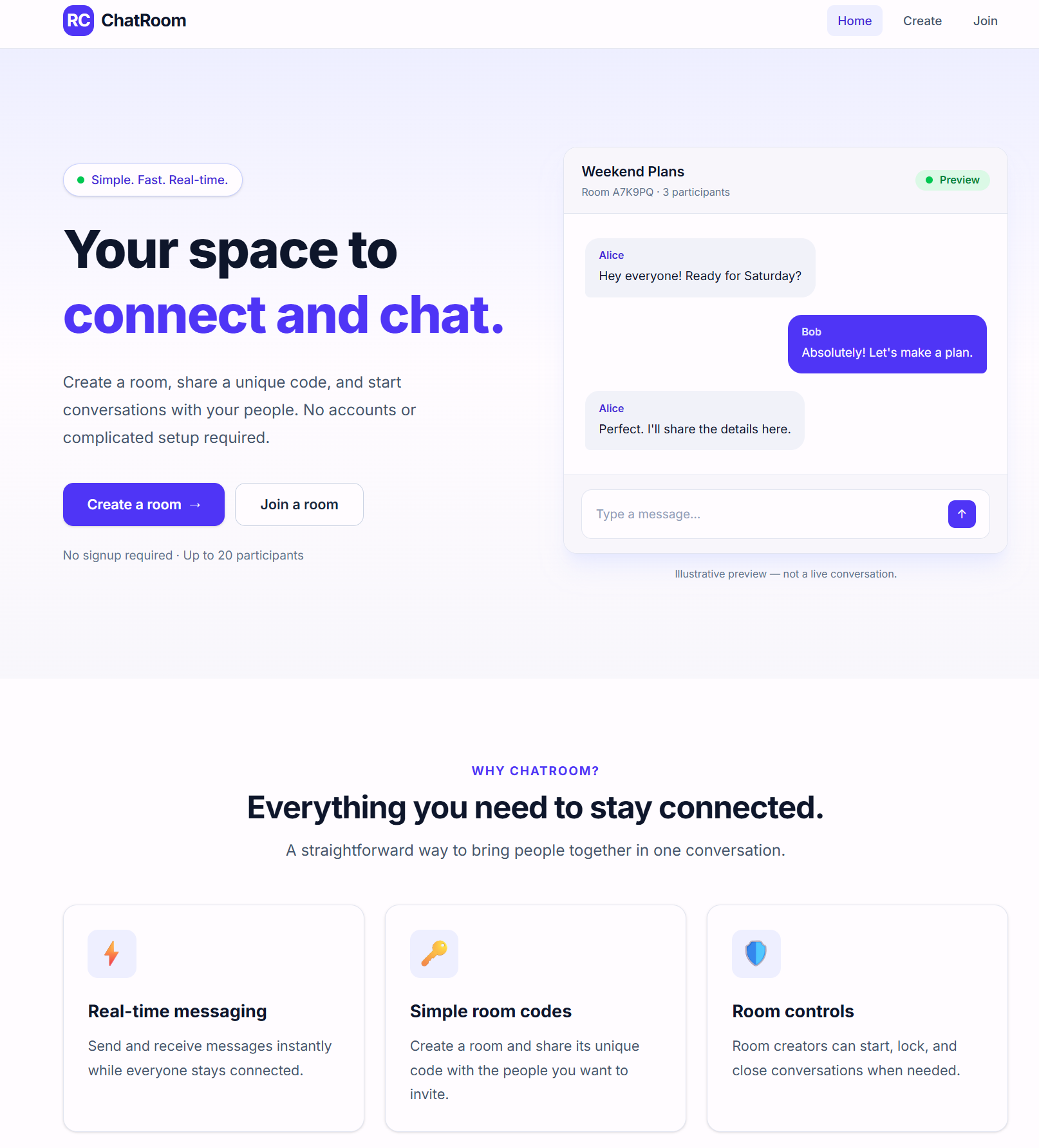
RoomChat
Live URL: https://chatroom-client-eta.vercel.app/
Repository URL: https://github.com/RittickDatta/full-stack-apps/tree/main/ChatRoom
Instant, temporary chat rooms with real-time messaging—no account required.
RoomChat is a full-stack web application where someone can create a room, share a short invitation code, and chat with others in real time. I built it to explore the engineering challenges behind multi-user applications: synchronized state, authorization, connection lifecycle, and reliable event-driven communication.
Try the live demo · View the source code
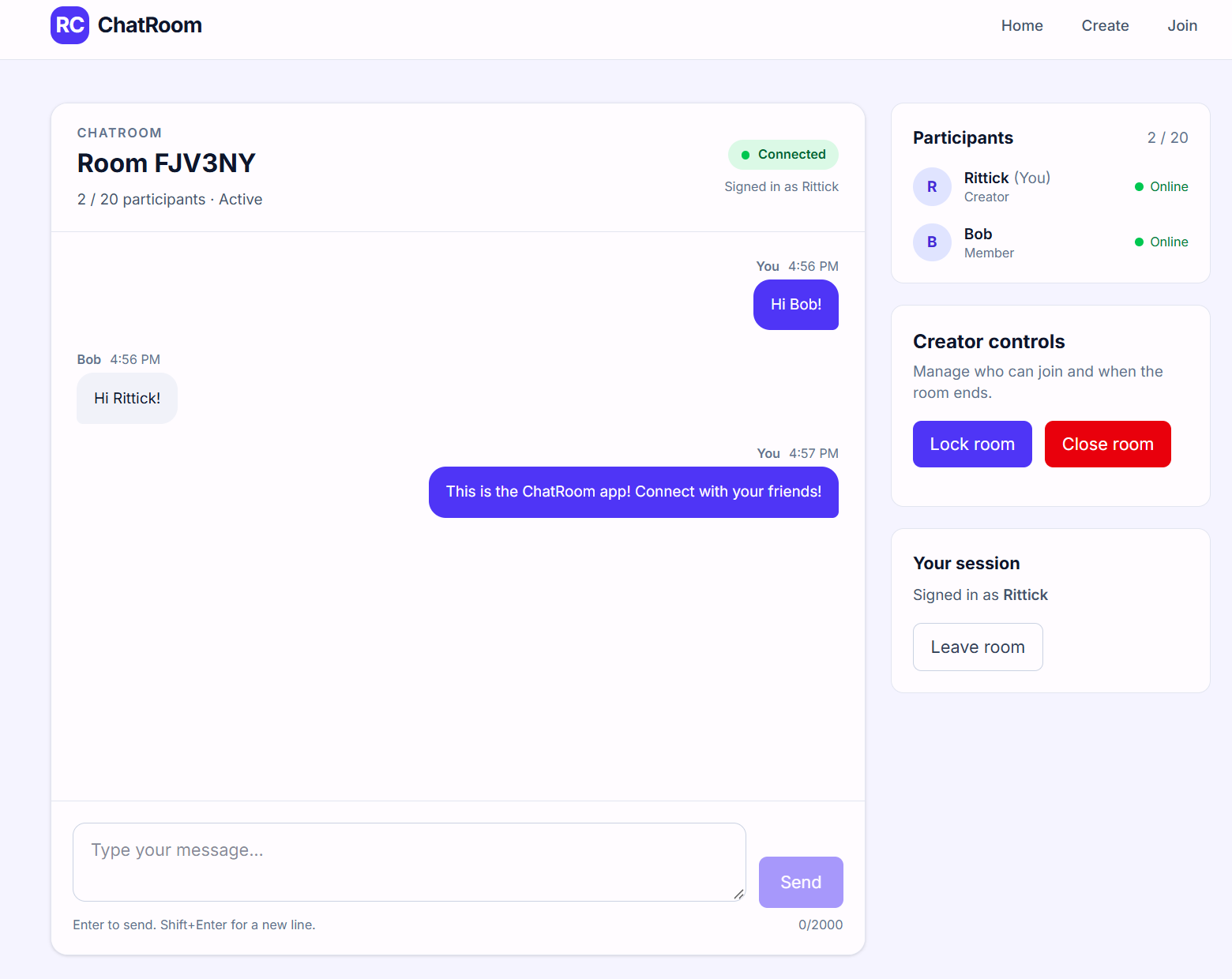
The problem
Many chat tools begin with registration, profiles, and persistent conversations. RoomChat explores a smaller interaction: create a temporary space, invite someone, and start talking. The interface needs to feel simple, but the backend still has to enforce who can join, who can manage the room, and which events each connection may send.
My approach
I organized the project as an npm-workspaces monorepo with three packages:
apps/client— React, TypeScript, Vite, Tailwind CSS, and React Router.apps/server— Node.js, Express, Socket.IO, and the room-management services.packages/shared— TypeScript event contracts, domain types, Zod schemas, and application constants.
Shared contracts help the client and server agree on event payloads and acknowledgements. The backend separates Socket.IO handlers from business logic and repository operations so that room rules can be tested independently of the network transport.
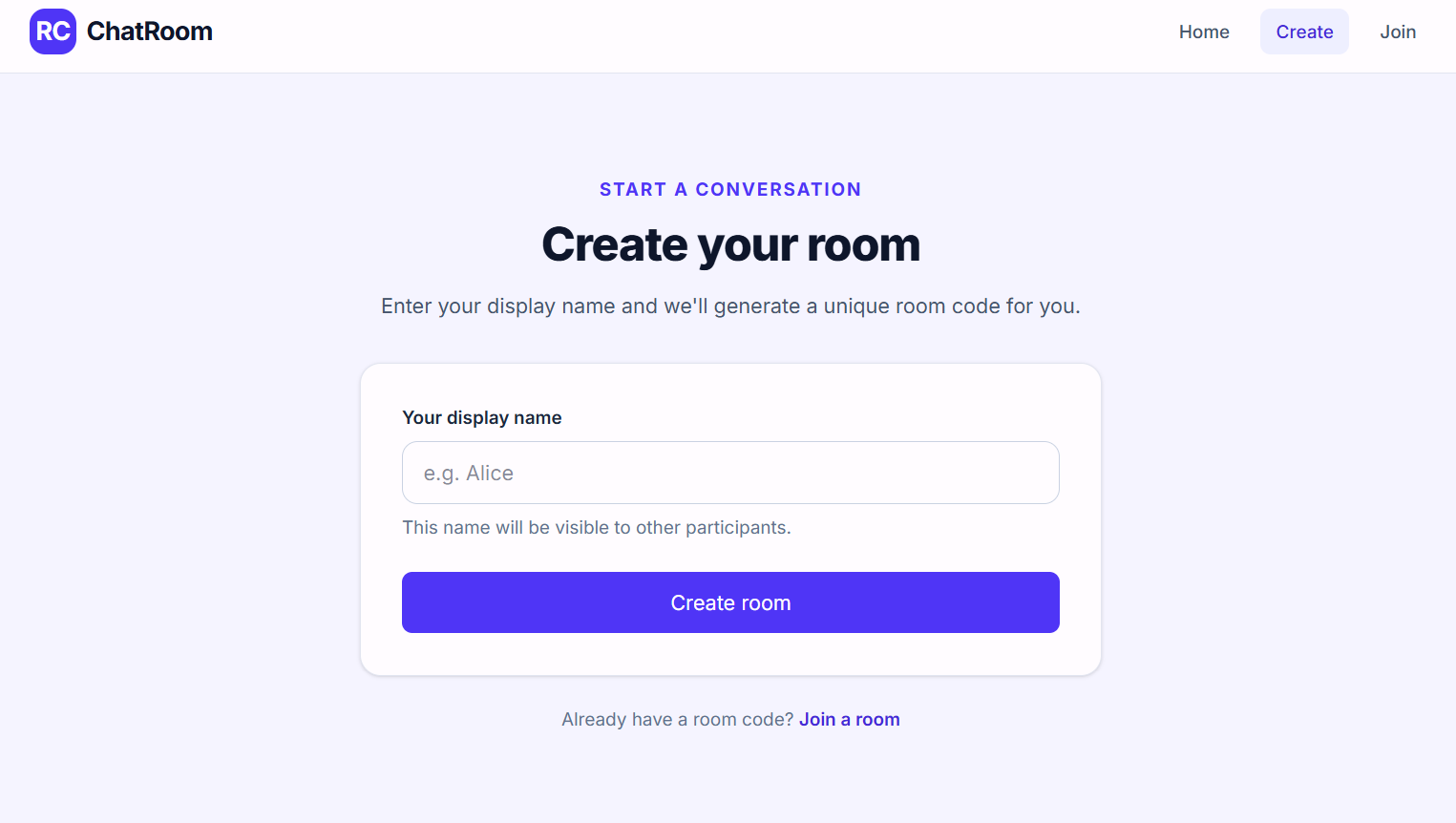
What users can do
- Create a room and share its invitation code.
- Start a room and allow other participants to join.
- Send and receive messages immediately over Socket.IO.
- See participant presence and room updates.
- Use creator controls to lock or close a room.
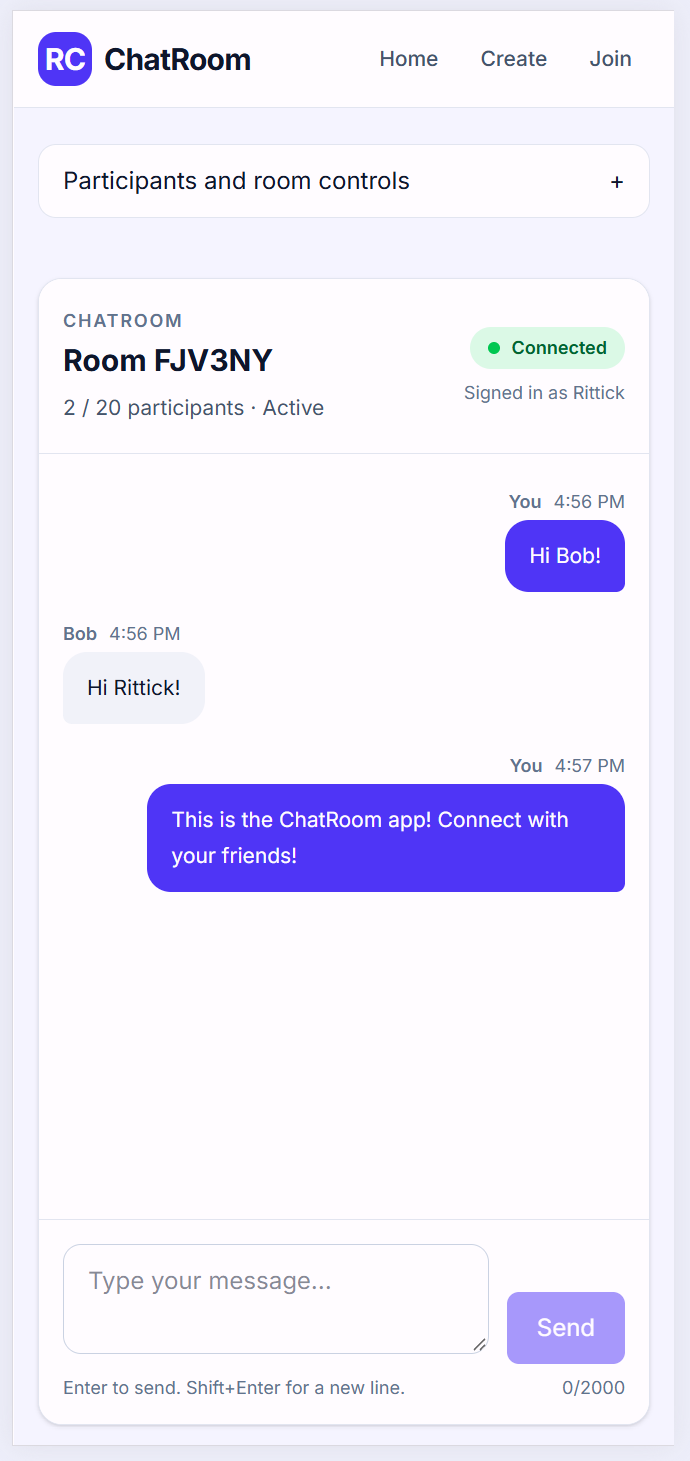
- Use the application on desktop and mobile browsers.
How it works
A room begins in a created state. Its creator can start it, allowing participants to join while it is active. The creator can lock it to prevent new joins or close it to end the session. The server also cleans up unused rooms according to lifecycle rules.
Each Socket.IO operation uses a typed acknowledgement that communicates either a successful result or a structured error. The server checks membership and creator authorization instead of trusting client-provided roles.
Engineering challenges
Keeping multiple clients synchronized
Room membership, participant presence, and messages change independently on different devices. I used Socket.IO room broadcasts and server-owned state to ensure clients receive the same authoritative updates.
Enforcing room ownership without accounts
Temporary rooms do not have conventional login sessions. Creator-only operations use server-side authorization and a creator token, while regular participants are checked against their socket session and room membership.
Making ephemeral state manageable
An in-memory repository makes room operations fast and straightforward, but abandoned rooms must not accumulate forever. I implemented lifecycle rules and cleanup scheduling to expire unused rooms.
Validating and testing real-time behavior
I used Zod for runtime validation, TypeScript for shared compile-time contracts, Node's test runner for backend tests, and Playwright for browser-level workflows. Tests cover both successful actions and rejected operations, including authorization and lifecycle edge cases.
Deploying a workspace-based application
The frontend and backend are deployed separately, while both depend on @chatroom/shared. Production builds must compile the shared package before dependent applications. The browser connects to the backend through a configurable secure Socket.IO URL.
Security and reliability
The application includes server-side payload validation, room membership checks, creator authorization, rate limiting, Socket.IO origin restrictions, and payload-size limits. Structured logs and lightweight metrics help investigate failures without intentionally recording chat content or creator tokens.
RoomChat is not an end-to-end encrypted messenger. It is a temporary-room application designed as a portfolio MVP.
Technology choices
| Technology | Why I used it |
|---|---|
| React + TypeScript | Component-based UI with typed state and interactions |
| Socket.IO | Bidirectional events, acknowledgements, and room broadcasts |
| Express + Node.js | HTTP health endpoint and long-running real-time backend |
| Zod | Runtime validation of untrusted event payloads |
| npm workspaces | Shared contracts without publishing a separate package |
| Playwright | Real browser tests, including multi-client and mobile scenarios |
| Pino | Structured logs for production troubleshooting |
| Vercel + Render | Separate hosting for static frontend and Socket.IO backend |
Trade-offs and limitations
I intentionally prioritized a clear, testable single-instance MVP over production-scale persistence:
- Rooms and messages live in memory and disappear on backend restart.
- Browser refresh or disconnection does not automatically restore a participant session.
- Horizontal scaling would require shared storage and a Socket.IO adapter.
- Monitoring counters are process-local and reset on restart.
These are deliberate boundaries, not hidden features. The repository abstraction provides a starting point for adding persistent storage later.
What I'd build next
- Persistent storage: Save rooms and message history in a database.
- Session recovery: Allow participants to reconnect safely after refresh or network interruption.
- Horizontal scaling: Add shared state and a Redis-backed Socket.IO adapter.
- CI/CD and monitoring: Expand automated quality gates, metrics, and alerts.
- Accessibility: Continue keyboard, screen-reader, and responsive usability testing.
Outcome
RoomChat brings together the complete full-stack workflow: typed client-server communication, real-time state synchronization, backend authorization, lifecycle management, automated testing, cloud deployment, and operational visibility.
The most valuable lesson was that a seemingly simple chat interface depends on careful server-side state management—especially when several users can act on the same room at once.
Explore RoomChat: Live application · GitHub repository